
Overview
Role
Social media marketer
Duration
1 month
Background
One Health, a fictional hospital system, has launched a digital healthcare app offering virtual doctor’s appointments and more. The service is subscription-based and there are multiple plans to choose from.
I was tasked with bringing awareness to the digital healthcare app using an organic social media campaign, with an end business goal of increased subscriptions. The project is part of the Digital Marketing Immersion course I took with Career Foundry.
The Problem
Many people are short on time, hate going to the doctor or simply want more convenient healthcare. One Health is trying to provide an alternative with virtual appointments with a doctor or other healthcare provider.
Tools used
- Canva
- Buffer
- Coolors
- Animoto
- Twitter (X)
Campaign Process
The campaign started with me doing a competitor analysis and user research to build a target persona. After deciding which social media channels would fit this persona, I moved onto looking at the existing branding for One Health and expanding it to include more colors and decided. Before creating the social media posts, I decided on content pillars to better plan the topics and visuals. The posts were written, creatives were made and all the content was put into Buffer and scheduled to post on 3 social media channels. The final step was looking at data for all the posts, forming insights into what worked and what didn’t, and making recommendations for the future.
Competitor Analysis
I used New York Presbyterian Hospital for my competitor research. They’re a well-known hospital system in New York City that also has a digital healthcare offering – even if they don’t use it as part of their social media strategy.

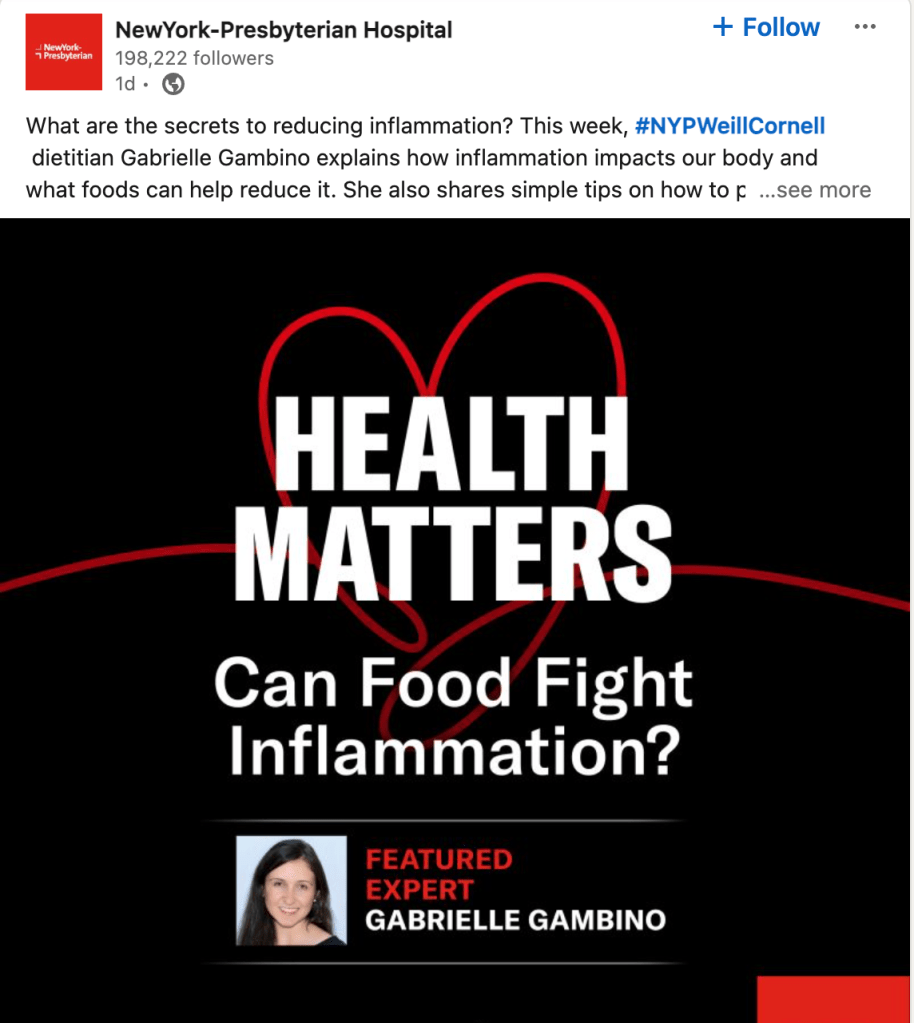
Their posts helped inspire my content pillars (categories the posts are nested under):
- Health Tips
- Get to Know One Health
- Digital Healthcare
🎯 Takeaways
I used the competitor research to form my content pillars and guide what topics I would post about for One Health. It was difficult to narrow down the categories to 3, but in the end it made it easier to come up with posts when I knew what topics to use.
Target Audience Research
I was given a briefing as part of the Digital Marketing Immersion course that already had some personas for One Health in it. My task was to choose which personas to target and use them to plan a social media strategy.
The user age group matches the target audience of One Health. It’s also the most-active social media platform, which could help with brand awareness. Facebook groups also allow for building of community.
One Health wants to share visual content and videos about healthcare topics. The top user age group is 25-34, which lines up with the people most likely to use digital healthcare.
While the platform is losing subscribers, according to the last data available, the 25-34 year old age group is more likely to use digital healthcare. We can post information and links to blog articles on the platform, and people tend to share and retweet information.
🎯 Takeaways
Using Facebook, Instagram, and Twitter will help generate awareness of One Health’s digital healthcare service, establish its relevance, and build a loyal community of followers and advocates.
Content Planning
After deciding on content pillars it was time to write the posts and create visuals for them. I chose different formats (carousel, single image, video) and researched what day of the week and time would be best to post based on the audience and healthcare topic. The text and visuals for each post were varied slightly based on the platform.
🎯 Takeaways
Posting a variety of content types with different topics helps keep the existing audience engaged and hopefully leads to more followers. I had a problem creating my video content because it wouldn’t download without a subscription to the service, but I ended up signing up for a trial to get around the issue.
Branding
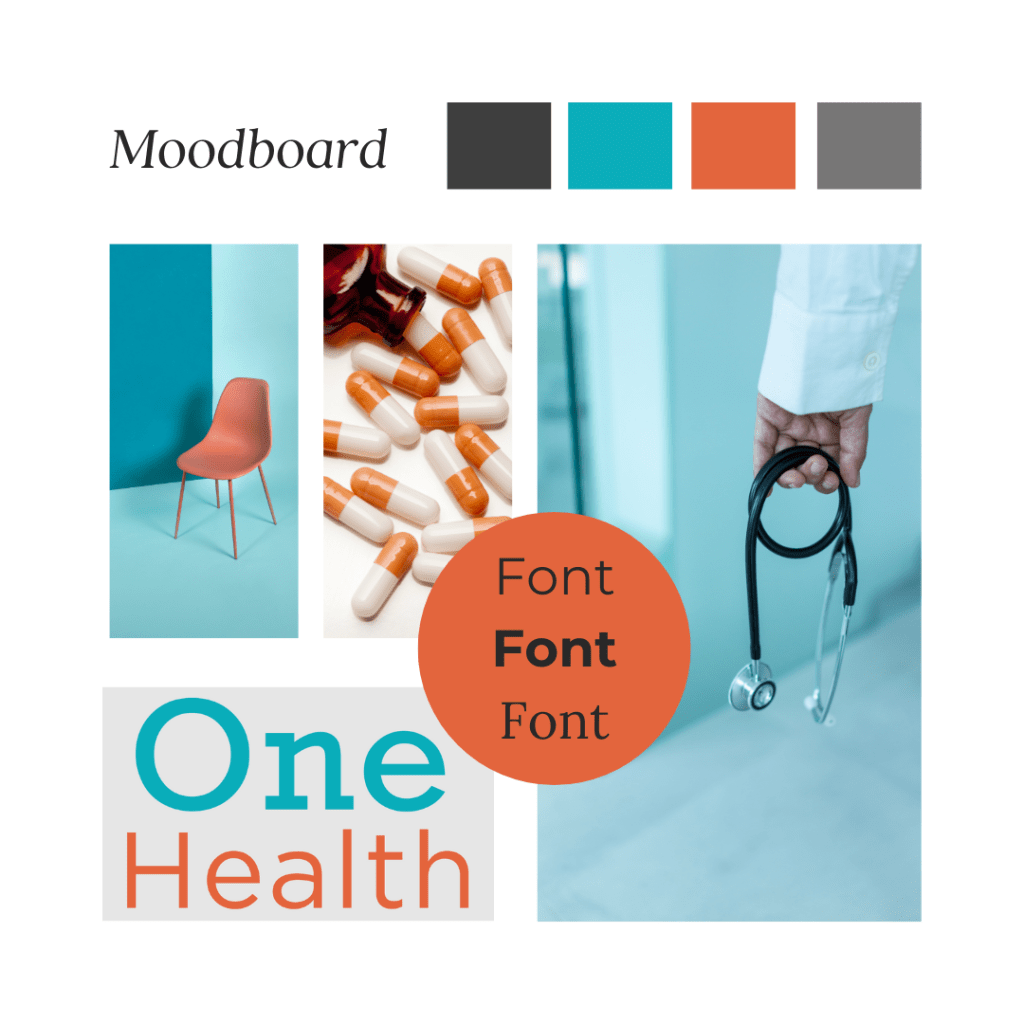
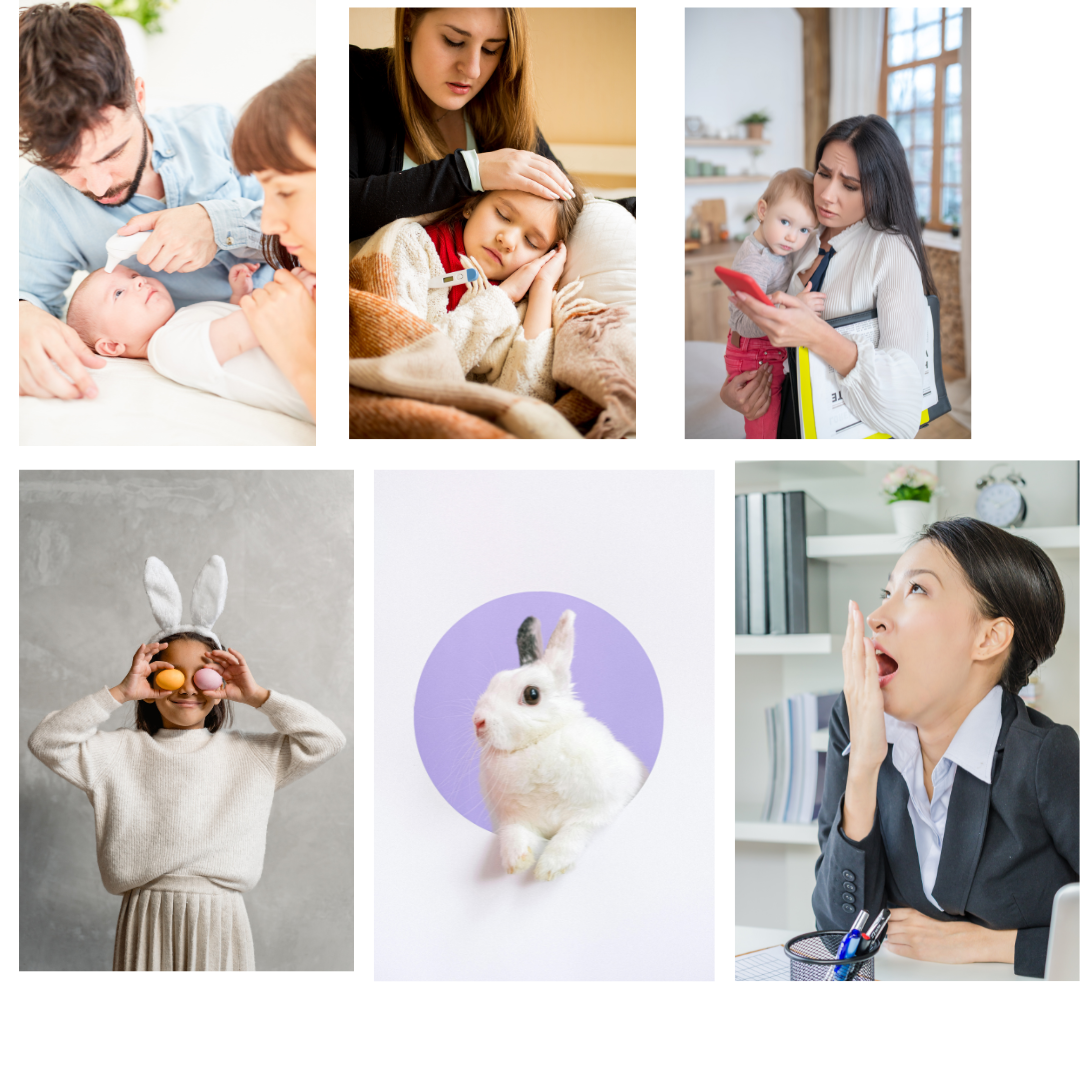
We were given a logo, fonts, and some brand colors as part of the briefing. However, I needed to expand the branding to include more colors and examples of images to use. I made a mood board in Canva to provide inspiration and show my ideas to the client.
Using the branding guidelines, I made a template in Canva for each content pillar so it was clear the posts belonged to the same campaign.

🎯 Takeaways
Having a plan for what kinds of visuals, colors and fonts to use on social media makes it easier to create posts and keep them consistent throughout the campaign. Finding photos that fit the content and brand colors was hard but after a while it became easier to spot what I needed in Canva or other free photo sites like Unsplash.
Social Media Posts
After all of the text and visuals were created, I put everything into a content calendar spreadsheet in Google Drive for better planning. After that I used Buffer to create and schedule the posts for Facebook and Twitter (X). I had to make the Instagram posts manually because of a problem connecting the account to Buffer.
Metrics
The metrics measured were likes, comments, and shares and there were engagement goals for each channel.
| Platform | Likes | Comments | Shares |
|---|---|---|---|
| 5 per post | 5 per week on any post | 2 per week on any post | |
| 7 per post | 7 per week on any post | 2 per week on any post | |
| 3 per post | 3 per week on any post | 3 per week on any post |
Posts
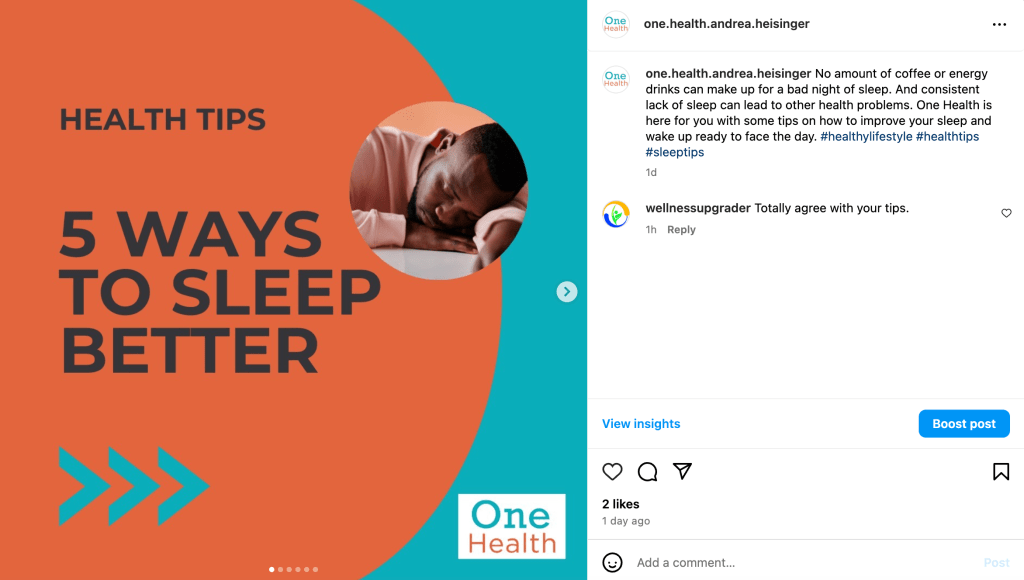
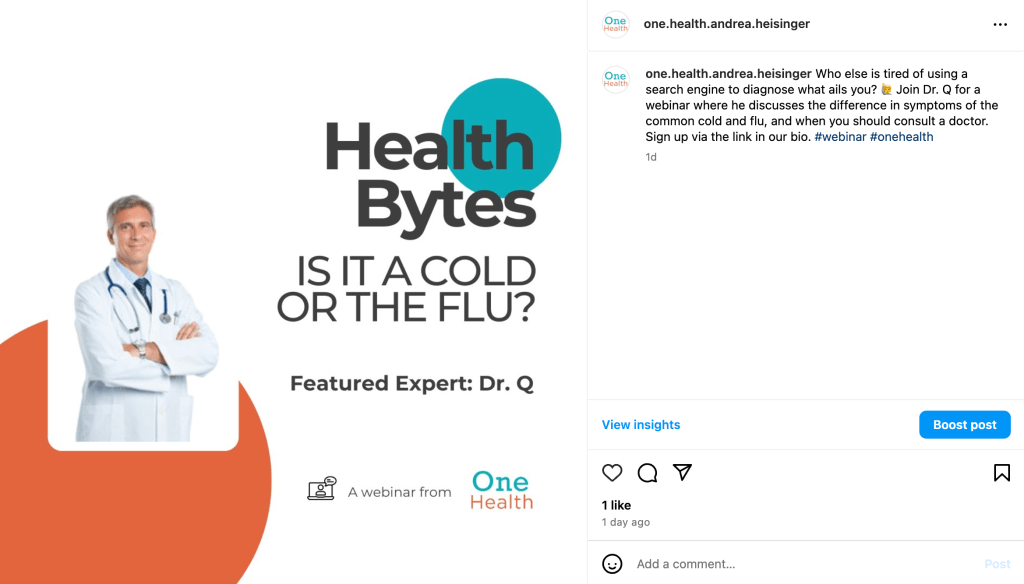
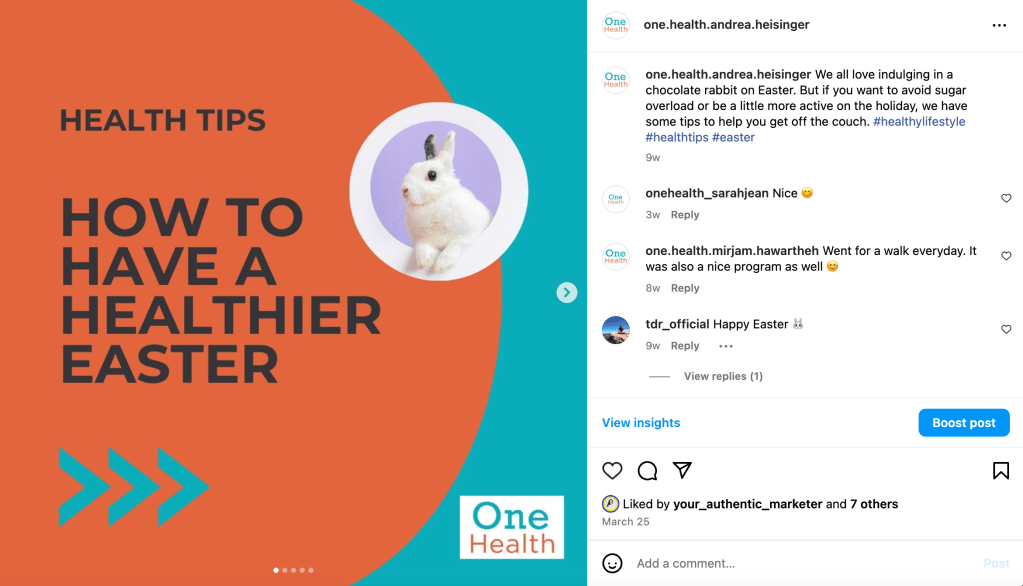
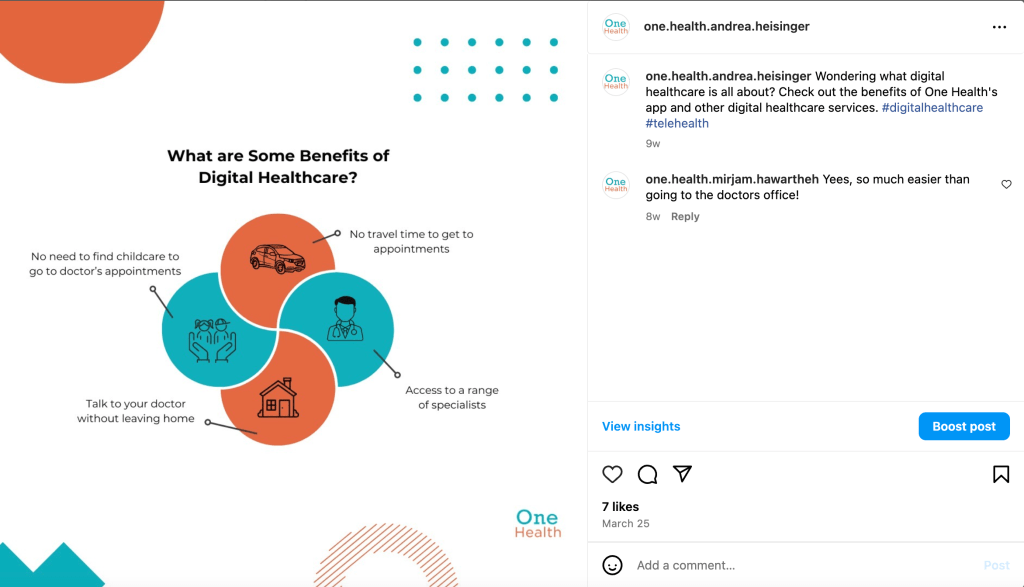
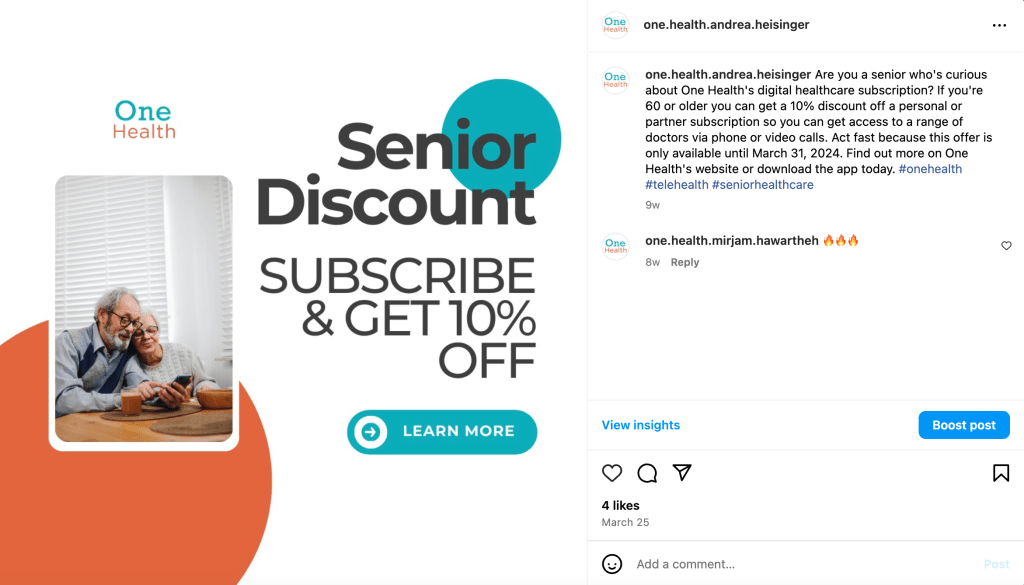
In total there were 8 posts made to each of the 3 channels. Templates were used with the brand colors and logo for consistency.



🎯 Takeaways
The main form of engagement for the campaign was likes. Instagram was the top channel for engagement, with each post getting an average of 5 likes.

Instagram also had the most comments, at an average of less than 2 per post. There were no shares of posts on any channel.
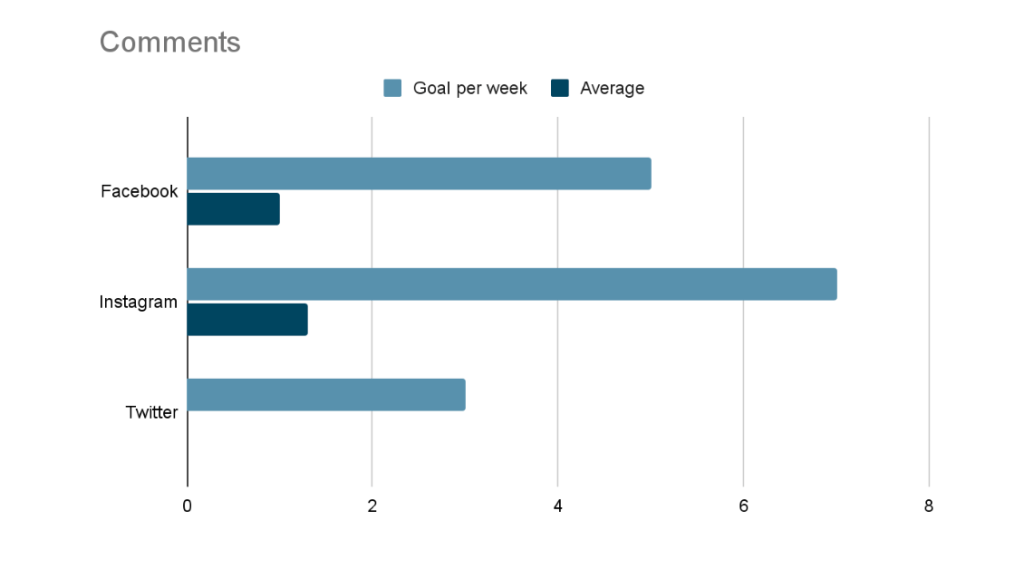
The biggest problem I had with the social media posts was not being able to connect my business Instagram account to Buffer. That meant I couldn’t schedule posts and had to do everything manually in Instagram. I set reminders to myself so I posted when I needed to, so in the end it worked out OK.
Community Management
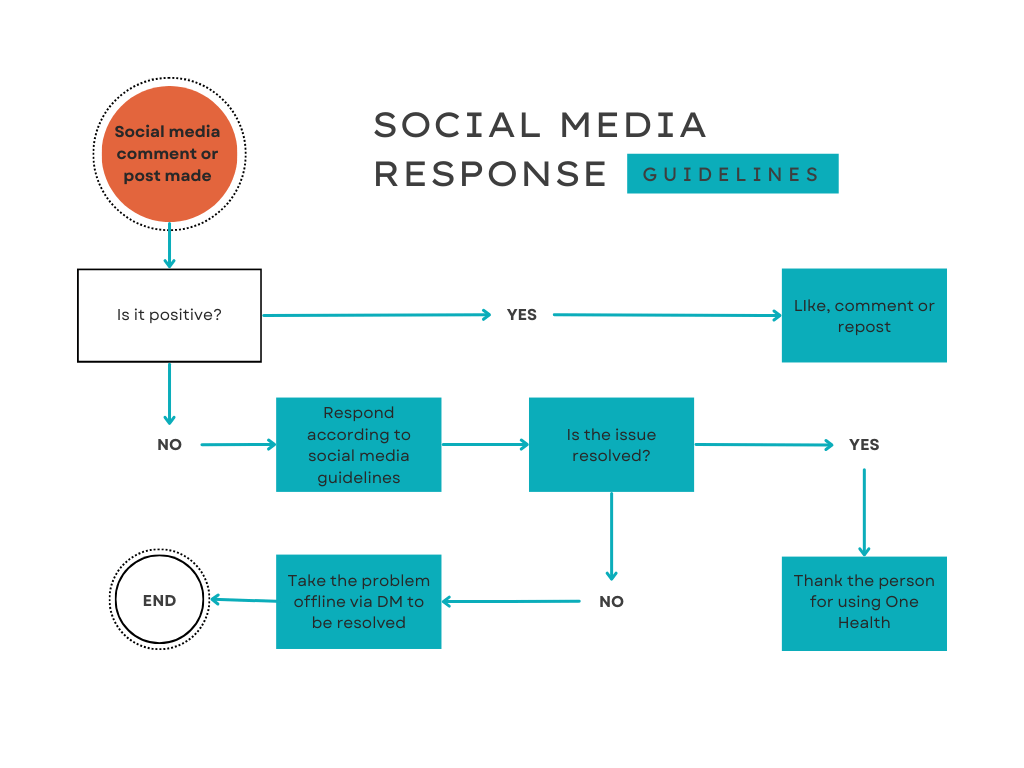
With public posts on social media comes the responsibility of community management. People are likely to engage with our posts more and have a positive impression of One Health if we have a well-managed community where people’s complaints and questions are acknowledged and trolls are dealt with.
I used Canva to create a flowchart for how to respond to social media posts and some community management best practices.
FAQs
The final step was coming up with responses to frequently asked questions that could be used in automated system.
Q: Why can’t I log into the app?
A: It’s possible your password is incorrect or your subscription is not up to date. Please refer to our app troubleshooting guide for help with the problem. [Link to guide]
Q: How can I book an appointment in the app?
A: You should be able to easily schedule a phone or video call by clicking the “Book appointment” button in the app. If that doesn’t work, you can refer to our app troubleshooting guide for help. [Link to guide]
Q: How much do your subscriptions cost?
A: We have 3 different plans depending on your needs, and the cost varies. You can find the prices and benefits on the subscription information page. [Link to page]
🎯 Takeaways
Having a plan for dealing with both positive and negative comments on social media posts is a good idea. Writing stock responses to FAQs saves time and if they’re automated can mean someone isn’t waiting for days to get an answer to their question.
It was difficult coming up with the social media response flowchart because I am working for an agency and not One Health directly. That means for more complicated questions and complaints I would need to contact the appropriate person at One Health and wait for their response before resolving the problem. This was built into the more-involved flowchart (not shown here) so it would be clear who to go to.
Recommendations & Reflections
I enjoyed running the organic social media campaign for One Health. The campaign didn’t run for a lengthy amount of time, but I was able to gain some insights from the small amount of data I did have.
- The goal of the campaign was brand awareness and Instagram came out on top.
- The Instagram posts had the most likes and comments of the 3 channels, although there weren’t any shares.
- For the next campaign I would use Instagram and Facebook, but drop Twitter due to little engagement. We could think about trying another organic channel like YouTube in its place, if there’s enough video content to share.
Reflections
Planning a social media campaign that would bring more awareness to One Health’s new app came with a lot of challenges. They were known for many years as a hospital and not a way to get virtual healthcare. Coming up with content and branding, and figuring out how to respond to the online community, was going to be hard.
Target personas and competitor research gave me ideas on who to focus on and what kind of content might work. Creating the templates for the content was challenging because they needed to look like they were part of the same campaign, but in the end it turned out well. After problems connecting my Instagram account to Buffer and not being able to download a video I created were resolved by finding workarounds, I waited to see how much engagement would happen. I used the social media response flowchart to respond to comments and questions. In the end, I learned that two of the social media channels worked much better than the third one and I can use that knowledge for future campaigns.
 Andrea Heisinger